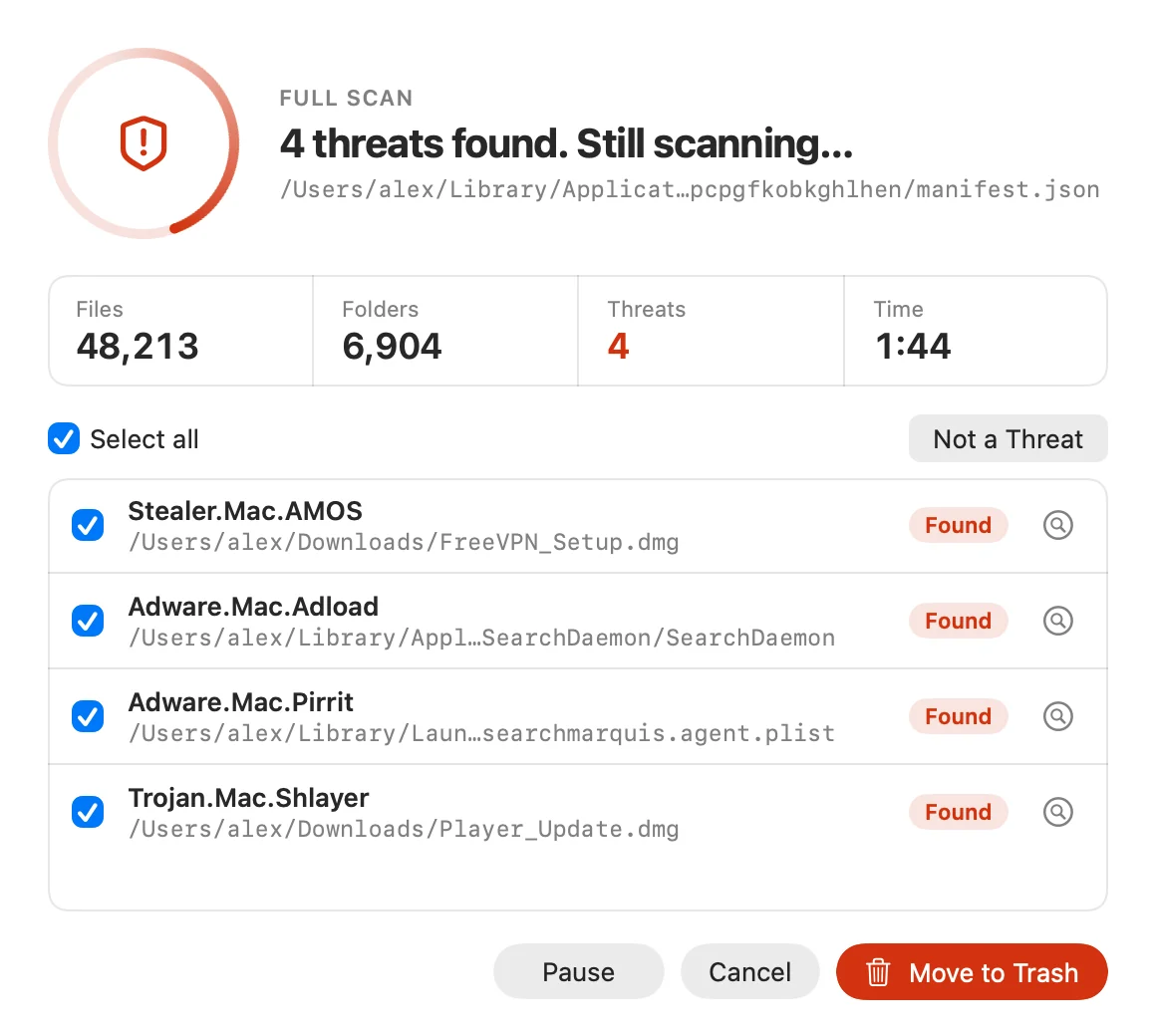
Malware, viruses and spyware
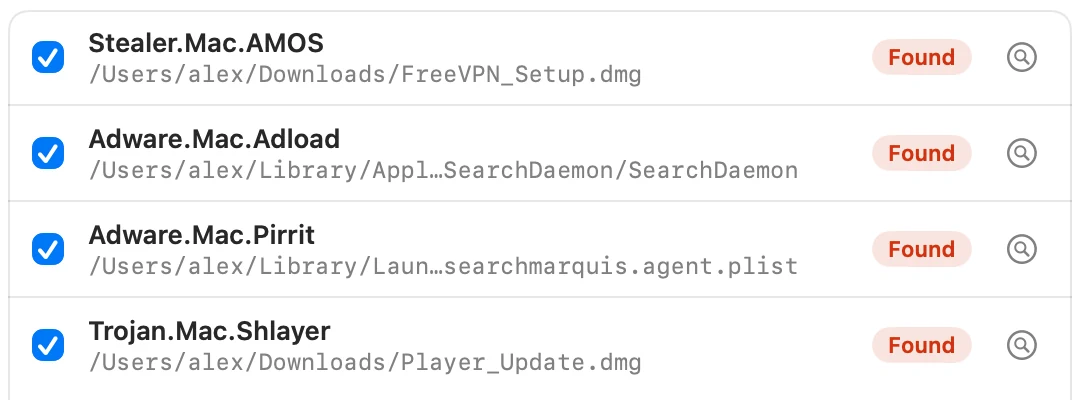
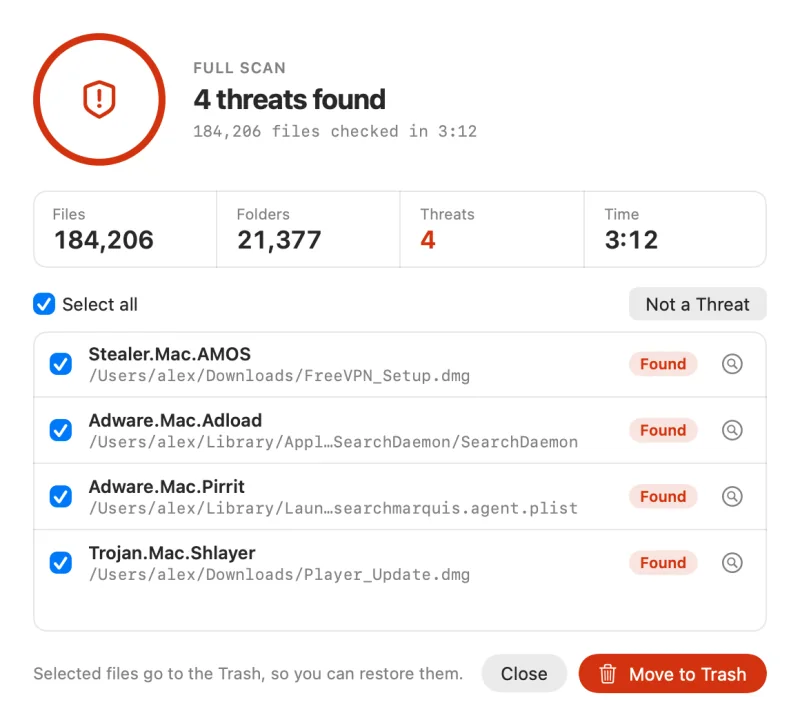
Signature and heuristic detection finds trojans, spyware and other malicious files. Every result shows its name and exactly where it lives, so you stay in control of what gets removed.
Virus scanner for Mac
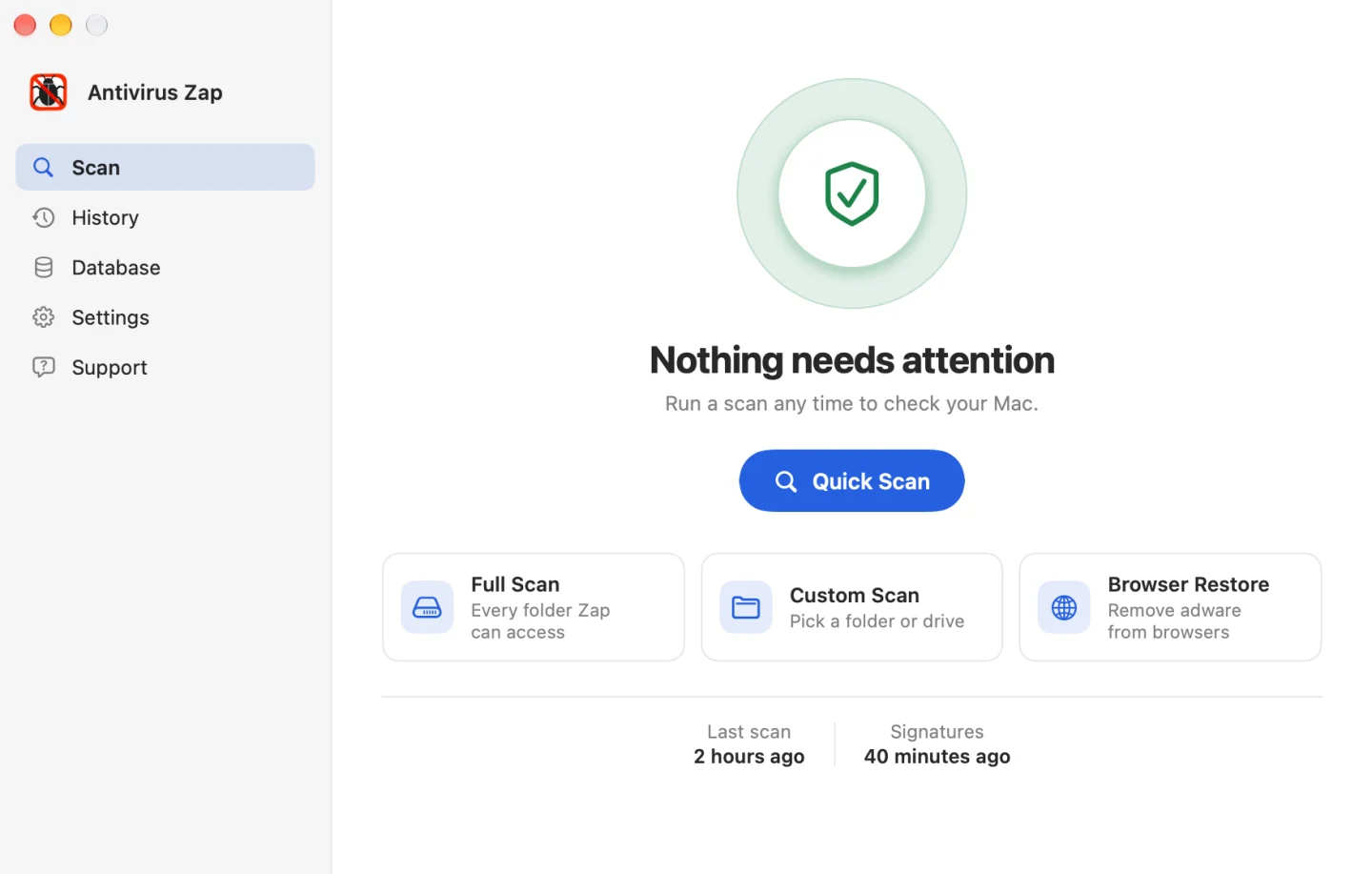
Antivirus Zap scans your Mac for viruses, adware and spyware. Everything stays on your Mac. Pay once, no subscription.
Antivirus Zap looks for the threats Mac owners actually run into, from fake Flash installers to search engines that keep switching to Bing.
Signature and heuristic detection finds trojans, spyware and other malicious files. Every result shows its name and exactly where it lives, so you stay in control of what gets removed.
Browser Restore removes unwanted extensions, cookies and caches, so pop-ups stop and your search engine goes back to normal.
Checks the messages Apple Mail keeps on your Mac and flags phishing attempts before you click.
Heuristics.Phishing.EmailScan Boot Camp, external disks, USB sticks and network drives so you never pass malware on to someone else.
Optionally looks inside compressed archives, installer packages and documents, where malware likes to hide.
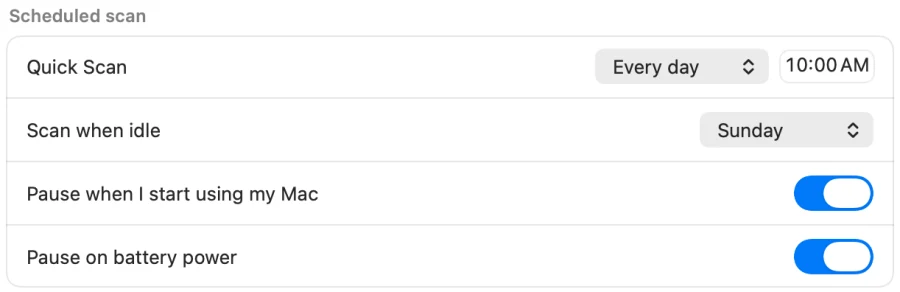
Run a Quick Scan every day or once a week at a set time, or when your Mac is idle. It pauses when you start using your Mac or switch to battery.
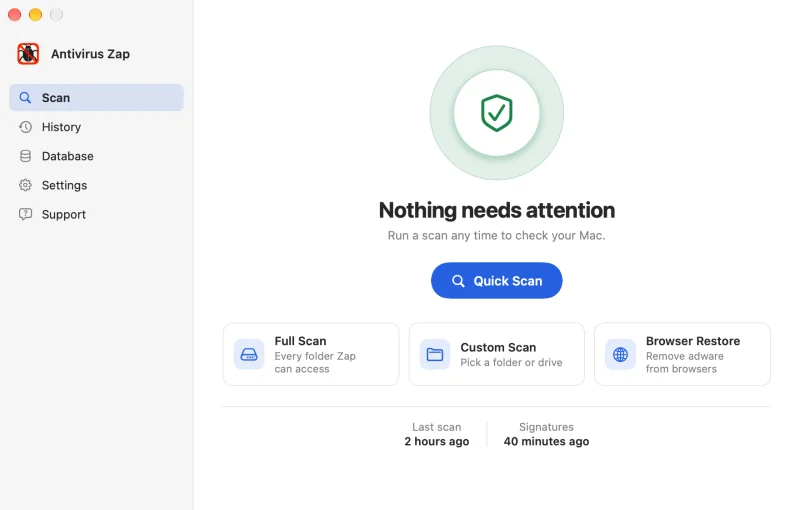
Start with a Quick Scan. It checks Applications, Downloads, Desktop and the other places malware usually hides, in about 5 to 15 minutes.
Threats appear the moment they are found, with files, folders and time counted live. Keep working, or pause at any time.
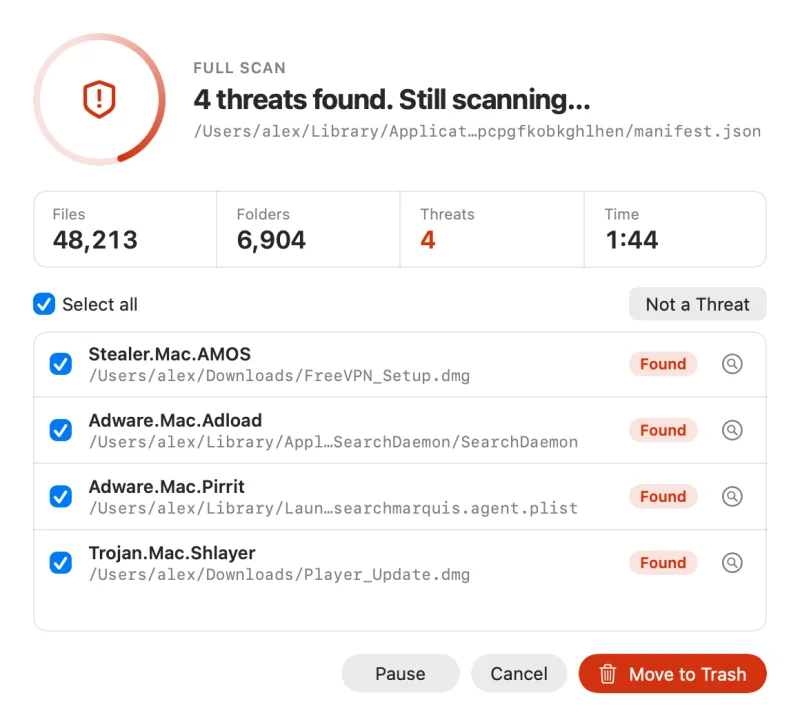
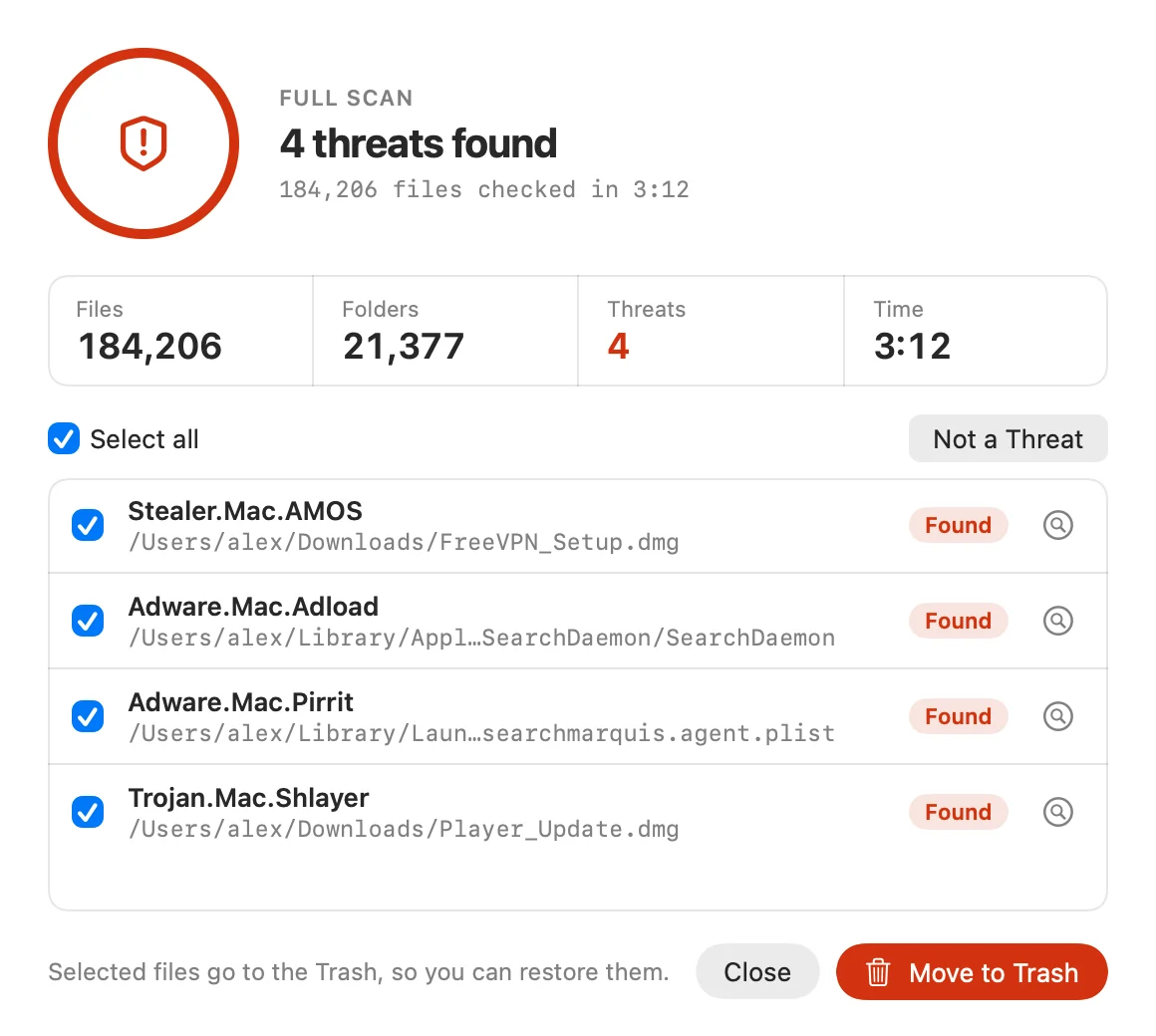
Each threat shows its name and location. Select what you want gone and click Move to Trash. Files go to the Trash, so you can restore them, and anything you trust can be marked Not a Threat.
Each one matches a real situation, from a weekly check-up to a USB stick someone handed you.
Checks the most likely locations, such as Applications, Downloads and Desktop, plus apps that are running right now. The best first step whenever something feels off.
A Quick Scan plus a browser reset that removes extensions, cookies and caches from Safari, Chrome and Firefox. You will need to sign in to websites again afterwards.
Checks every folder Zap can access, across the whole Mac. Start it before bed and check the results in the morning.
Pick any folder or drive, including USB sticks, external disks and network drives. Startup items are checked at the same time.
Scans run entirely on your Mac. Antivirus Zap does not upload your files or file fingerprints to anyone, including us.
Detection runs locally against a threat database stored on your Mac.
New threat signatures come from our servers and from the open-source ClamAV project.
One setting switches app analytics off. Read the privacy policy.
“This app was able to find nasty files in my Mac mini that had slowed it down.”
“I had malware causing my Google searches to redirect to Bing… This app had it sorted in a matter of minutes.”
“Easy to use and always sorts out any bugs lurking on my computer. The support service has also been incredibly responsive and helpful.”
“Great easy to use and found 8 adware programs on my Mac.”
“When I encountered a virus the app couldn’t deal with I emailed their help services and got advice within a day that solved the issue.”
“Simple and effective. Works fast and easy. Gets rid of the bad stuff.”
No subscription and no renewal reminders. Pick the version that suits your Mac.
$9.99one-time
US price. The App Store sets prices in other countries.

The direct-download edition, if you prefer not to use the App Store. Buy a licence inside the app, with payments handled by Paddle.
Still stuck? Email support and a real person replies.
macOS has good built-in protection: Gatekeeper and XProtect block and remove many known threats. Adware, browser hijackers and brand-new malware still get through, usually bundled with fake installers or pirated apps. Antivirus Zap adds a second opinion you control, plus Browser Restore for hijacked browsers.
No. Antivirus Zap costs $9.99 in the United States as a one-time purchase on the Mac App Store, with no subscription. The App Store sets the price in other countries. The direct-download Pro edition is licensed inside the app through Paddle.
No. Every scan runs on your Mac and Antivirus Zap does not upload your files or file fingerprints. It only downloads threat signature updates, from our servers and from the open-source ClamAV project.
Viruses, trojans, spyware, adware, browser hijackers and phishing emails stored by Apple Mail. It also recognises Windows and Linux malware, so you can check Boot Camp partitions, external disks, USB sticks and network drives.
A Quick Scan or Browser Restore takes about 5 to 15 minutes, depending on how many files you have. A Full Scan checks the whole system and takes an hour or more, so it is ideal overnight. You can pause or cancel any scan.
Antivirus Zap is deliberately small, with no bundled extras. While a scan runs it uses processor time, then it goes quiet. By default it skips movies, music, archives, Time Machine backups and the Trash to keep scans fast, and you can change any of these in Settings.
The Mac App Store version needs macOS 12 Monterey or later. The direct-download Pro edition runs on macOS 12 Monterey or later. Both run natively on Apple silicon and Intel Macs.
Restart your Mac after removing threats, then run another Quick Scan. If it still returns, run a Full Scan and email support at antivirus.support@antiviruszap.com with a screenshot of the results. Every message gets a personal reply.
A Quick Scan takes about 10 minutes. You will know exactly what is on your Mac.